DATA RECOVERY · CYBER-MED
Data recovery: assess first, then act.
What you do after deleting a file matters. Gather the information needed to assess recovery while limiting further changes to the storage device.
What happens after a deletion
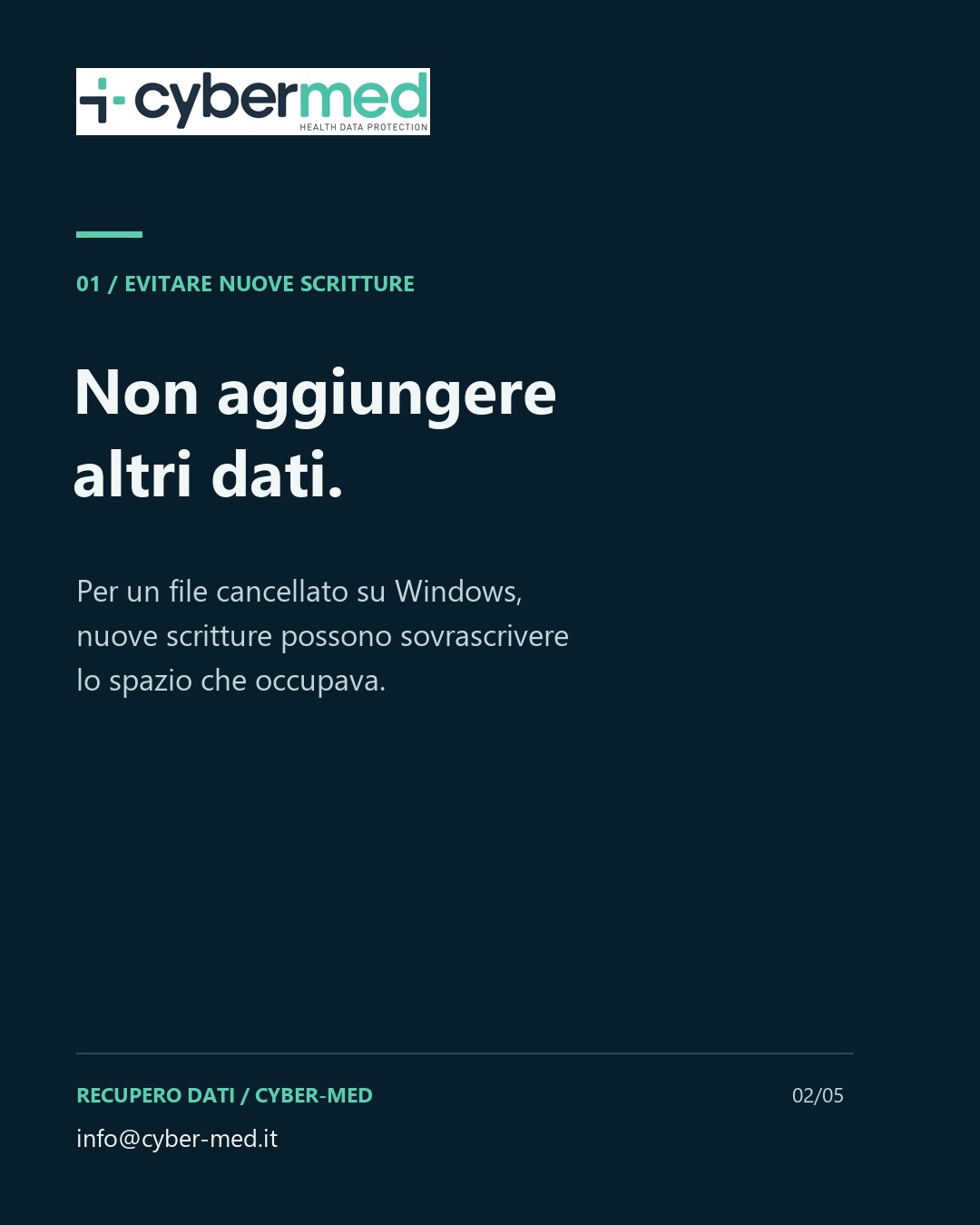
Deleting a file does not always make its data immediately unrecoverable. For local Windows files, Microsoft explains that the space may be marked as free and that new writes may overwrite it. It therefore recommends minimising or avoiding computer use after losing the file.
The specific device needs to be assessed. A logical error, physical damage and an encrypted file require different checks; repeated attempts without understanding the cause may change the available material.
Three details for an initial assessment
A fictional example: “I deleted a folder from an external drive and have since copied other documents onto that drive.” This description helps frame the next questions without sending the file contents.
- The storage device: computer, external drive, SSD, USB memory or another device.
- The observed problem: deletion, a device that is not detected, an access error or damage.
- Actions already taken: new files copied, restores, formatting or other attempts.
Feasibility and next steps
The assessment clarifies the scope, handling arrangements and technical options. Damage, encryption and overwriting may affect the outcome; recovery is not guaranteed. If the data may also be evidence, mentioning this helps assess an appropriate acquisition and documentation process.
A general description of the problem is enough to contact Cyber-Med. Arrangements for transferring devices and confidential data are agreed afterwards.
Sources and further reading
Microsoft — Windows File Recovery
The Microsoft reference concerns recovery of local Windows files; it does not cover every device or failure type. Source checked on 10/10/2026.
Scopri il servizio Cyber-Med ↗
The topic in 35 seconds
Silent educational video with Italian on-screen text. Italian and English subtitles and transcript are available.
Read the transcript
- 00:00–00:07 Deleted a file? Assess first. Your next actions can affect recovery prospects.
- 00:07–00:14 Do not add more data. For a deleted Windows file, new writes may overwrite the space it occupied.
- 00:14–00:21 What happened? Describe the device, problem and actions already taken, for example a deletion.
- 00:21–00:28 Every case is different. Damage, encryption and overwriting can affect the outcome. Recovery is not guaranteed.
- 00:28–00:35 Start with a description, without confidential attachments. Agree on the next steps: info@cyber-med.it
View the carousel: 5 cards