DATA RECOVERY · CYBER-MED
Missing file: local drive or cloud service?
Before choosing a recovery approach, establish where the content was stored. Seeing a file in a synced folder does not always mean a local copy is available.
The visible path is not the whole picture
“The file was on the computer” is a useful description to clarify. Its content may have been on a local drive, a network share or a cloud service. This distinction guides assessment and involvement of the authorised owners.
Microsoft documents different OneDrive Files On-Demand states: always available, locally available and online-only. An item visible in the folder may therefore not have its content available on the drive. Its name alone does not establish where the data actually was.
Tools and options depend on the source
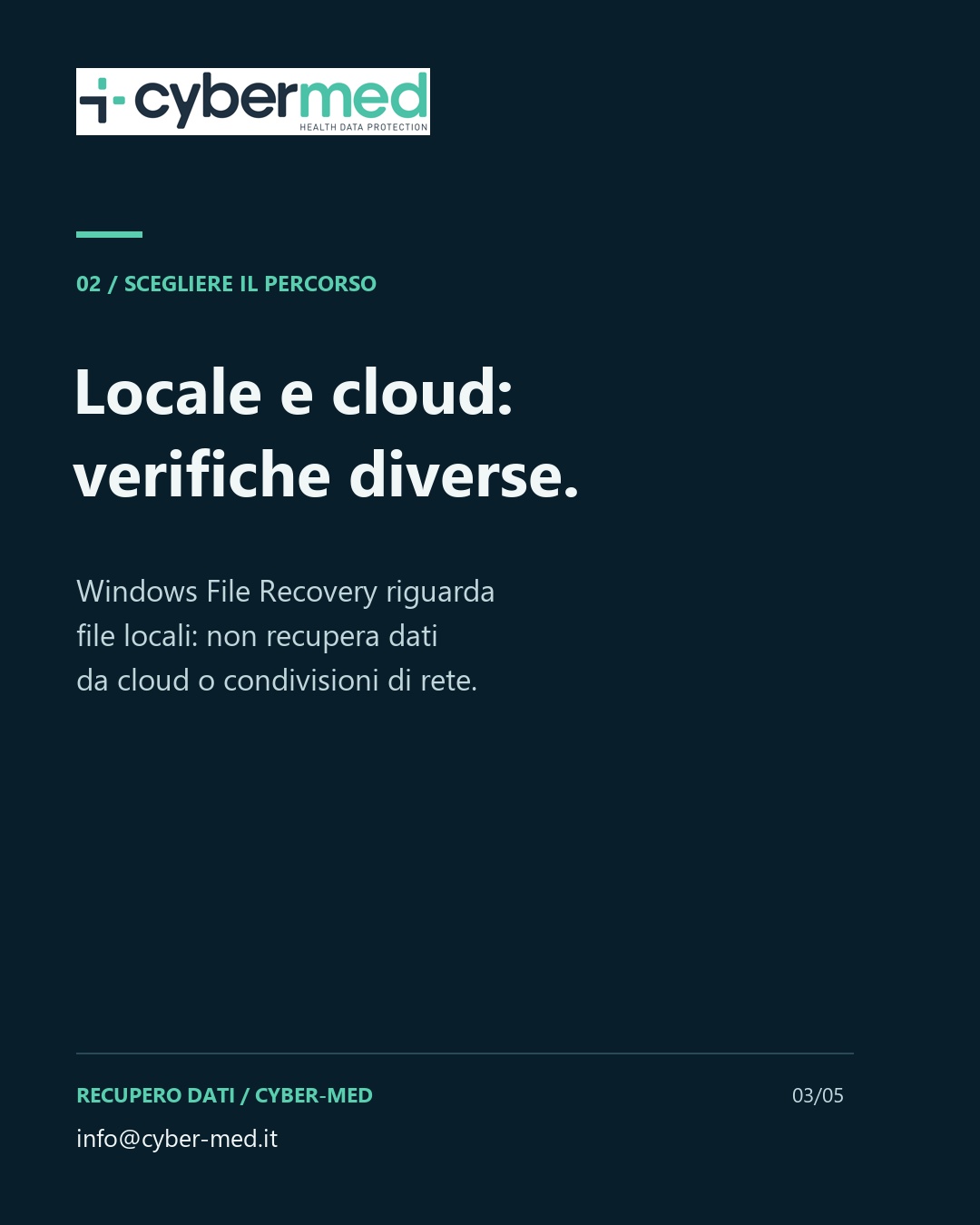
Windows File Recovery provides a concrete example: Microsoft describes its use for files deleted from local storage and states that recovery from cloud storage and network shares is unsupported. This is a limitation of that tool; it does not mean every cloud file is unrecoverable.
OneDrive has service-specific restoration options, such as its web recycle bin. Availability depends on the file’s situation and applicable settings. Files deleted from the cloud, including online-only files, may not be in the computer’s recycle bin.
An example for an initial discussion
Fictional example: a document can no longer be found in a synced folder. Rather than assuming it was stored only on the drive, the description identifies the service, account type and actions already taken. Checks on organisational accounts should be coordinated with authorised owners.
- Was the file local, on a network share or in a sync service?
- What was observed: deletion, an access problem or a missing item?
- Which actions have already been taken and which copies are known to exist?
Define the assessment
Identifying the source helps select the right questions without guaranteeing recovery. A general description is enough to contact Cyber-Med: do not send passwords, access codes or confidential documents. Working and transfer arrangements are agreed afterwards.
Sources and further reading
Microsoft Learn — Files On-Demand states in Windows
Microsoft — Windows File Recovery
Microsoft — Restore files deleted from OneDrive
Sources checked on 16/10/2026. The described features concern the named Microsoft products and do not automatically apply to other services. No retention periods or restoration options are promised for a specific account. The example and questions are Cyber-Med educational suggestions.
Scopri il servizio Cyber-Med ↗
The topic in 35 seconds
Silent educational video with Italian on-screen text. Italian and English subtitles and transcript are available.
Read the transcript
- 00:00–00:07 The file is missing. Where was it stored? Local drive, network folder or cloud service: the source guides the checks.
- 00:07–00:14 A visible name. A local copy? With OneDrive, an online-only file can be visible without its content being available on the drive.
- 00:14–00:21 Local and cloud need different checks. Windows File Recovery concerns local files: it does not recover data from cloud storage or network shares.
- 00:21–00:28 What happened? Fictional example: a missing file in a synced folder. Describe the service and actions already taken.
- 00:28–00:35 Identify the source before the intervention. Recovery is not guaranteed. Describe the problem without confidential attachments: info@cyber-med.it
View the carousel: 5 cards